Hey AndroDevs! 
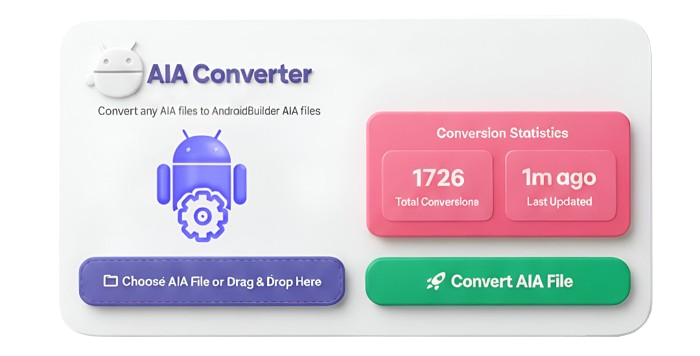
We’re excited to introduce the All-in-One AIA Converter – a powerful and smart tool that converts any .aia file from App Inventor, Kodular, or other supported builders into a fully compatible Android Builder project.
But this isn’t just any converter. It’s designed to keep you informed, safe, and in control.
 Key Features:
- Convert Any .AIA File – Works with App Inventor, Kodular, and more.
- Preserves Everything – Components, screens, assets, and blocks remain intact.
- Detailed Logs – Every change is tracked, including:
- Components updated or renamed
- Blocks/methods removed
- Properties adjusted for compatibility
- Step-by-Step Reports – Receive a full breakdown of exactly what changed and where in your project.
- Error Handling & Diagnostics – If a conversion error occurs, the tool will automatically generate:
- Complete conversion logs
- Any other details needed to debug or fix issues
- Simple Drag & Drop – Just upload your file and watch it convert.
- Fast & Lightweight – Efficient conversion without slowing your workflow.
 Where to Convert:
You can access the converter here: Convert Your AIA Now
- Simply visit the link, upload your AIA, and download the converted file immediately.
 How to Use (Video Tutorial):
If you’re unsure how it works, check this step-by-step guide:
 Watch on YouTube
 Privacy & File Handling:
- Your original AIA file and the converter’s internal copy will be stored separately.
- No AIA will be shared with anyone.
- Both the original and converter AIA files will be automatically deleted within 30 minutes after conversion from the server.
- Make sure to download your converted AIA immediately – once deleted, it cannot be recovered.
 Error Reporting Workflow:
If a conversion error occurs, the tool will automatically generate a detailed package including:
- Conversion logs – exactly what changed or failed during conversion
- Used extensions – all extensions detected in the project
- Additional project details – for faster troubleshooting
What users should do:
- Do not panic! Your logs and details are safe.
- Share the project with the team:
- Either post it in the community if it’s a public issue, OR
- Send it project directly to the team via Telegram for private support.
- Team will use these files to quickly identify and fix the issue, then provide guidance or updates.
Tip: Always include a brief description of what you were trying to do when the error occurred. This helps speed up troubleshooting.
Simplify your AIA imports, track every change, and handle errors like a pro. Convert smarter, not harder! 
Let’s build better, together! 
— Team Kapx Innovation Private Limited