Blockly Highlighter
 Watch the demo video: https://youtu.be/9JejveXwCaY
Overview
Blockly Highlighter is a lightweight browser extension for Chrome, Firefox, and Opera that helps you quickly locate, highlight, and clear visual blocks by keyword in Blockly-based environments such as Niotron, Android Builder, Kodular Creator and MIT App Inventor based.
You can use the graphical popup or keyboard shortcuts to search instantly.
Features
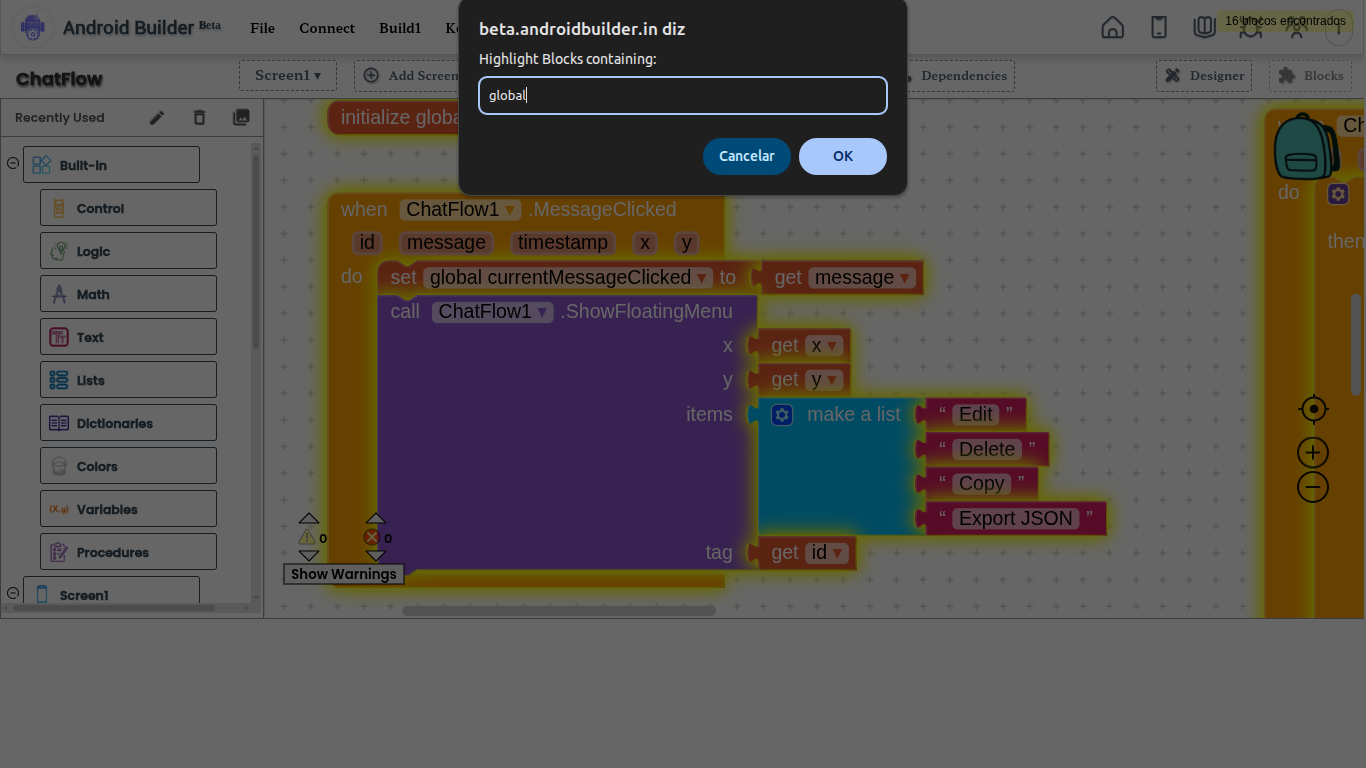
 Keyword Search: Find blocks whose text labels include your search term using a popup or keyboard shortcut (Ctrl + Shift + F / ⌘ + Shift + F on macOS).
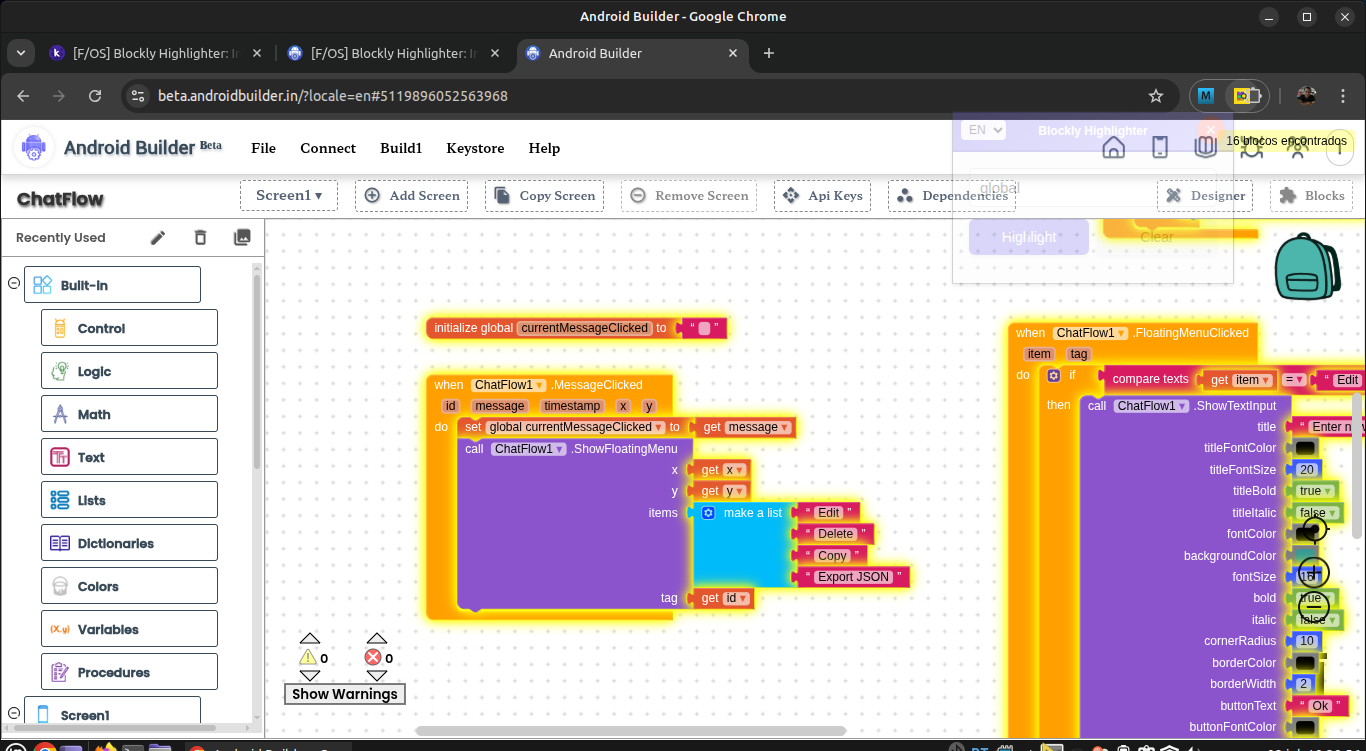
 Yellow Highlight: Matching blocks are outlined with a yellow neon glow.
 Clear Highlights: Remove all highlights with one click or via Ctrl + Shift + L.
 Match Counter: Instantly see how many blocks matched your search.
 Language Support: Switch between English, Português, and Español in the popup.
 Fast & Lightweight: Runs only when you use it—no background scripts, no lag.
Installation
Chrome
-
Clone this repository or download from the Chrome Web Store:
git clone https://github.com/iagolirapasssos/Blockly-Highlighter.git -
Open Chrome and go to
chrome://extensions/. -
Enable Developer mode.
-
Click Load unpacked and select the extension’s folder.
-
Pin the Blockly Highlighter icon for quick access.
Firefox
- Open
about:debugging#/runtime/this-firefoxin Firefox. - Click Load Temporary Add-on….
- Select the
manifest.jsonfile from the extension folder. - Pin the Blockly Highlighter icon to your toolbar.
Opera
Method 1: Manual
- Go to
opera://extensions/. - Enable Developer mode.
- Click Load unpacked and select your extension folder.
Method 2: Chrome Web Store
- Install the Install Chrome Extensions add-on (only once).
- Visit the Chrome Web Store and install Blockly Highlighter directly.
Usage
Popup:
- Click the Blockly Highlighter icon in your toolbar.
- (Optional) Select your preferred language from the dropdown (EN/PT/ES).
- Enter a keyword and press Highlight or hit Enter.
- All blocks containing that keyword will glow yellow and the match counter will appear.
- Click Clear to remove highlights and restore original colors.
Keyboard Shortcuts:
- Ctrl + Shift + F (or ⌘ + Shift + F on macOS): Open the search prompt anywhere on a supported Blockly workspace.
- Ctrl + Shift + L: Instantly clear all highlights.
Permissions
-
activeTab: Temporary access to inject scripts into the page. -
scripting: Required to run highlight/clear logic. -
Host permissions (in
manifest.json):https://ai2.appinventor.mit.edu/*https://creator.kodular.io/*- (Add more if you use other Blockly-based platforms.)
These permissions ensure the extension only runs on Blockly workspaces and only when you use it.
Development
- Edit
manifest.json,content_script.js,popup.html,popup.js, orstyles.cssas needed. - Bump the
versioninmanifest.json. - Reload the extension on chrome://extensions, about:debugging, or opera://extensions.
- Test in a Blockly workspace.
Contributing
Contributions are welcome!
- Open an issue or submit a pull request.
- Follow existing code style.
- Increment the version and update the changelog if applicable.
- Clearly describe any new features or fixes.
License
MIT License. See the LICENSE file for details.
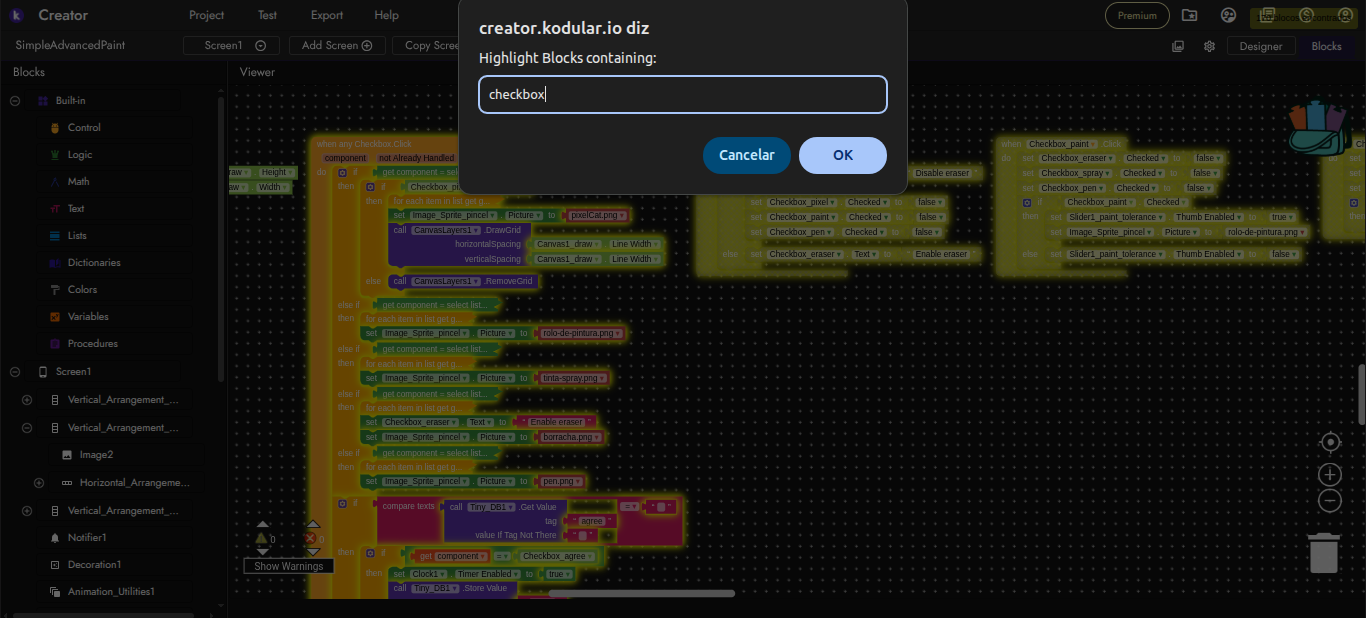
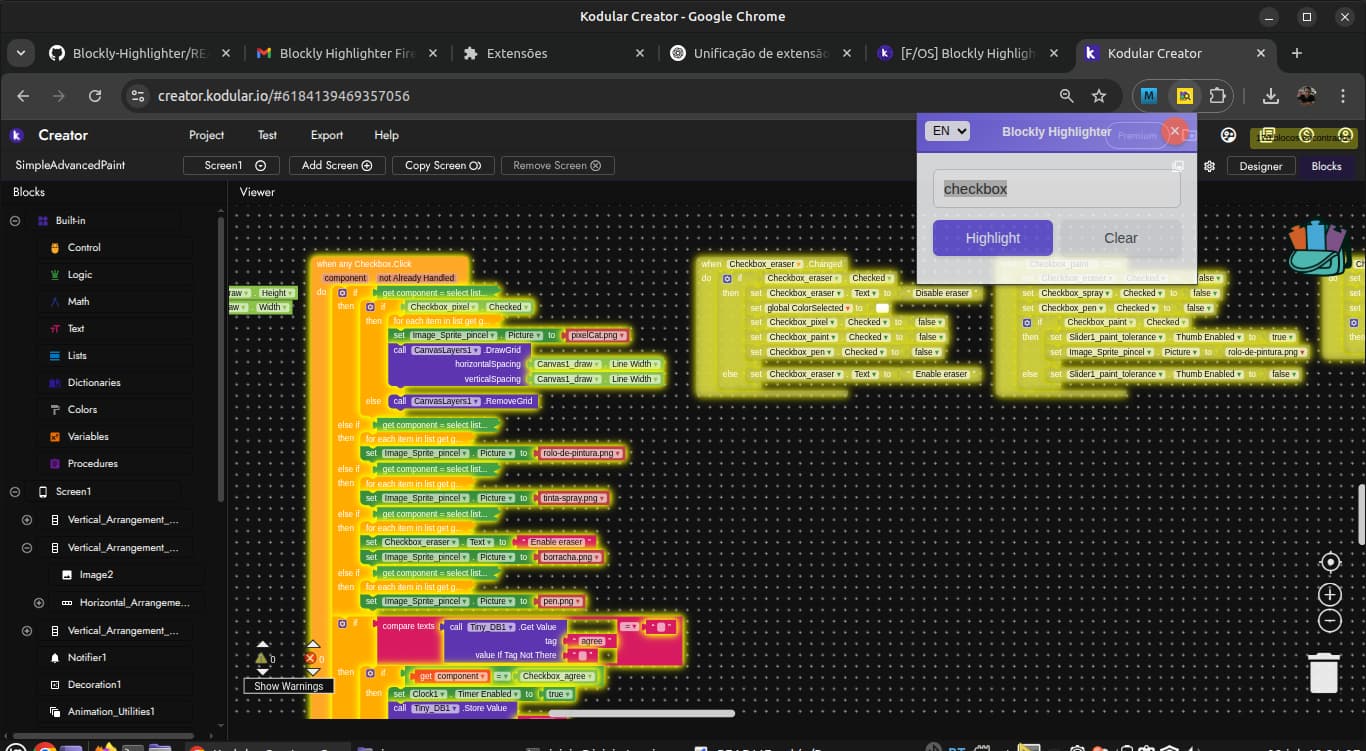
Note: the extension is compatible with App Inventor, Kodular, Niotron and Android builder.