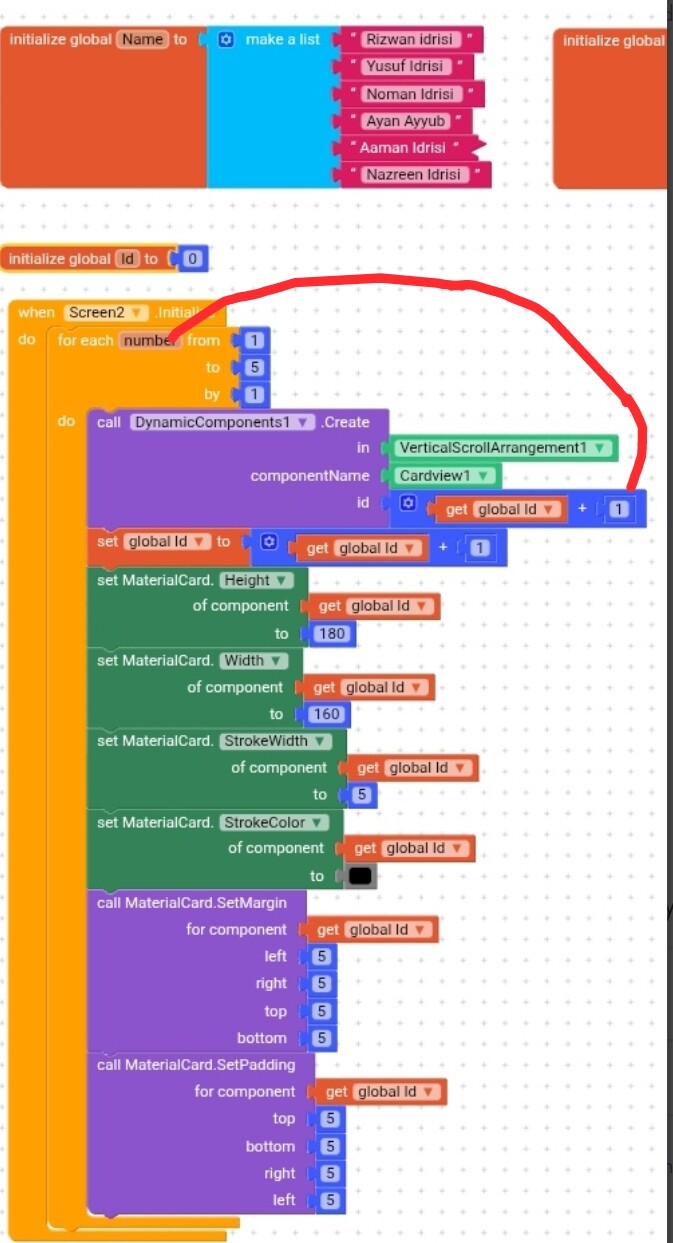
Blocks
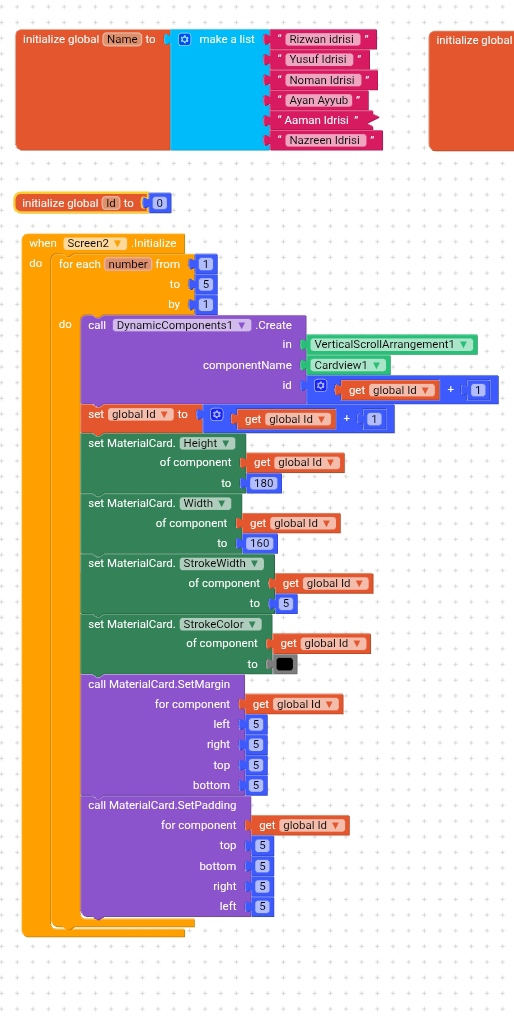
Error
To find out the exact error, you need to use the ErrorOccurred block from the DynamicComponents and display the errorMessage using a Notifier.ShowAlert or set it to a Label.Text. This will help you identify the actual issue, whether it’s a duplicate ID, invalid component name, or trying to access a component before it’s created. Until you see the exact error message, it’s hard to know what’s going wrong. So first, use blocks to display the error, then the solution can be given based on that message.
@Rizzu_Idrisi
You used math block to add 0+1 in a loop means every time the id will be 1, try to replace 1 with the number block from for each item loop block. Now it will work as 0+1 (1 by number block in 1st loop), in second loop 0+2.
And alternative method just remove add math block and set number block, easy & simple.
This topic was automatically closed 2 days after the last reply. New replies are no longer allowed.